



| .onedev-buildspec.yml | Loading last commit info... | |
| .github | ||
| .vscode | ||
| docs | ||
| internal | ||
| .gitignore | ||
| .golandci.yml | ||
| .goreleaser.yaml | ||
| LICENSE | ||
| README.md | ||
| TODO.md | ||
| go.mod | ||
| go.sum | ||
| main.go |
GoMCTools

GoMCTools is a terminal-based utility (TUI) designed to streamline the workflow for Minecraft modpack developers. Built for Prism Launcher and CurseForge instances, it automates tedious tasks like generating modlists, managing pack configurations, and preparing releases.
Features
� Dashboard
- Quick overview of the loaded pack.
- Displays pack metadata: Author, Version, Minecraft Version, and Loader.
- Mod Analytics: Breakdown of mod sources (Modrinth vs CurseForge) with a visual distribution bar.
- Tracks total mod counts and identifies "Unknown" sources.
�📦 Instance Selector
- Browse and load Prism Launcher and CurseForge instances directly from the terminal.
- Auto-detects the pack format — no configuration required:
- Prism: reads
mmc-pack.jsonand the.indexTOML mod entries. - CurseForge: streams
minecraftinstance.json(handles 15MB+ files efficiently) or falls back tomanifest.json.
- Prism: reads
- Extracts mod metadata including loader, MC version, release type, and download URLs.
- Remembers your last loaded pack for quick access on startup.
- Opt-in directory browser with a focus-aware border — arrow keys are never stolen from the tab-bar until you activate it.
📝 Modlist Generator
Create professional Markdown modlists for your documentation or GitHub releases.
- Live Preview: See how your modlist looks directly in the terminal (rendered with Glamour).
- Flexible Layouts:
- Merged: A single alphabetical list of all mods.
- Split: Separate sections for Client-side, Server-side, and Shared mods.
- Multiple Formats: Export as Markdown Bullets, GFM Tables, or BBCode for forums.
- Customizable Metadata: Toggle links, side tags, source, game versions, and filenames.
- Smart Sorting: Sort by Name, Source, or Side with toggleable ascending/descending order.
- Export: Copy markdown to clipboard or save to
modlist.mdin the instance folder. - Raw Preview: Toggle between rendered Glamour output and the raw source text.
🧹 Pack Cleaner
- Keep your instance clean by selectively removing generated files and folders (logs, cache, etc.).
- Presets: Comes with sensible defaults for common Minecraft bloat.
- Custom Rules: Add, edit, or delete your own custom cleaning patterns via the TUI.
- Safety First: Refuses to delete files outside the instance root.
- Persistence: Saves custom rules to
gomctools.cleaner.jsonwithin the instance for portability.
⚙️ Configurable
- Persistent settings via
~/.config/gomctools/config.toml. - Toggleable auto-load behavior.
- Confirmation modals for destructive actions (like resetting settings).
- Full keyboard and mouse support.
Screenshots
Home
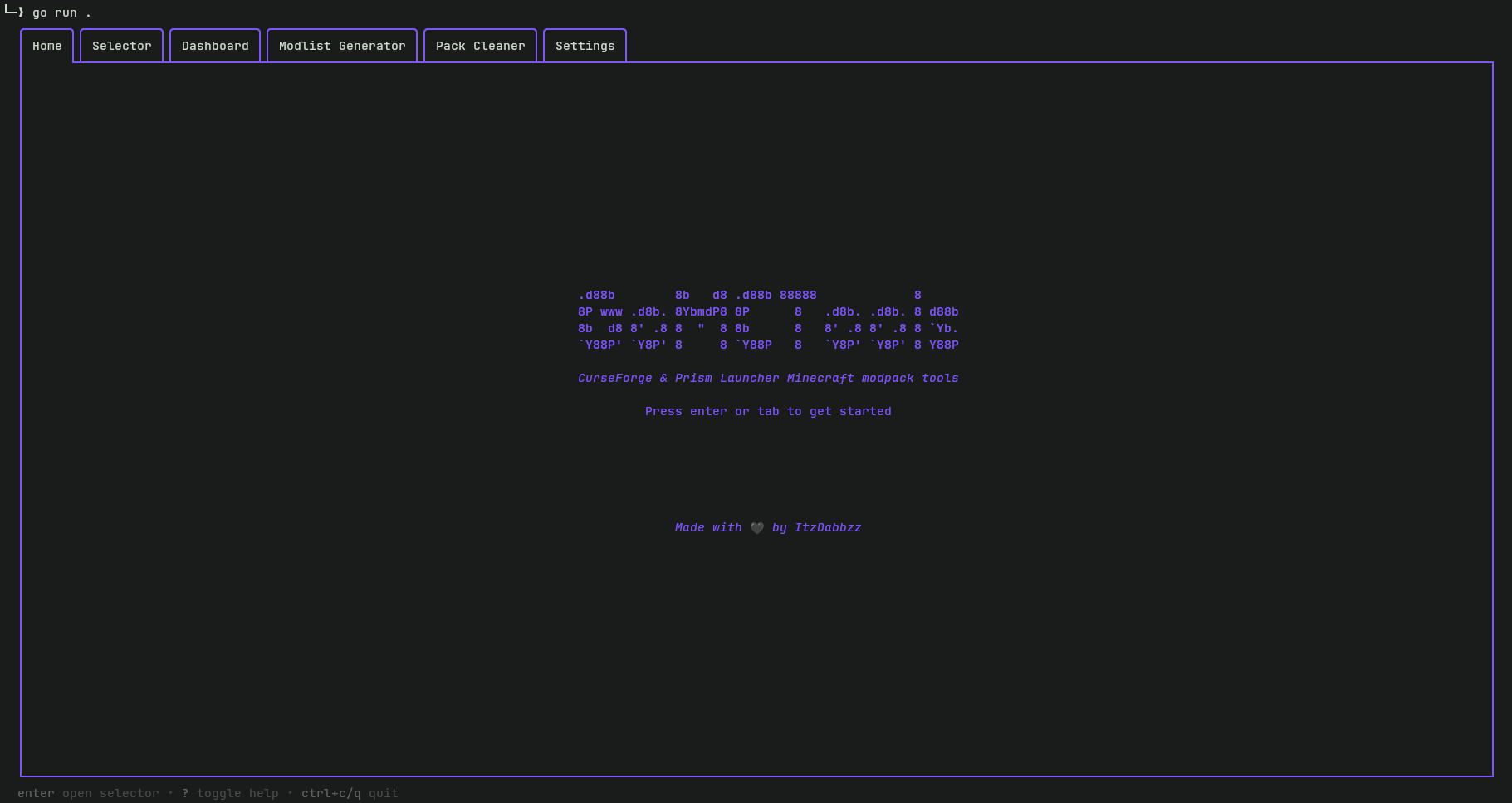 Main entry point with quick-start controls.
Selector
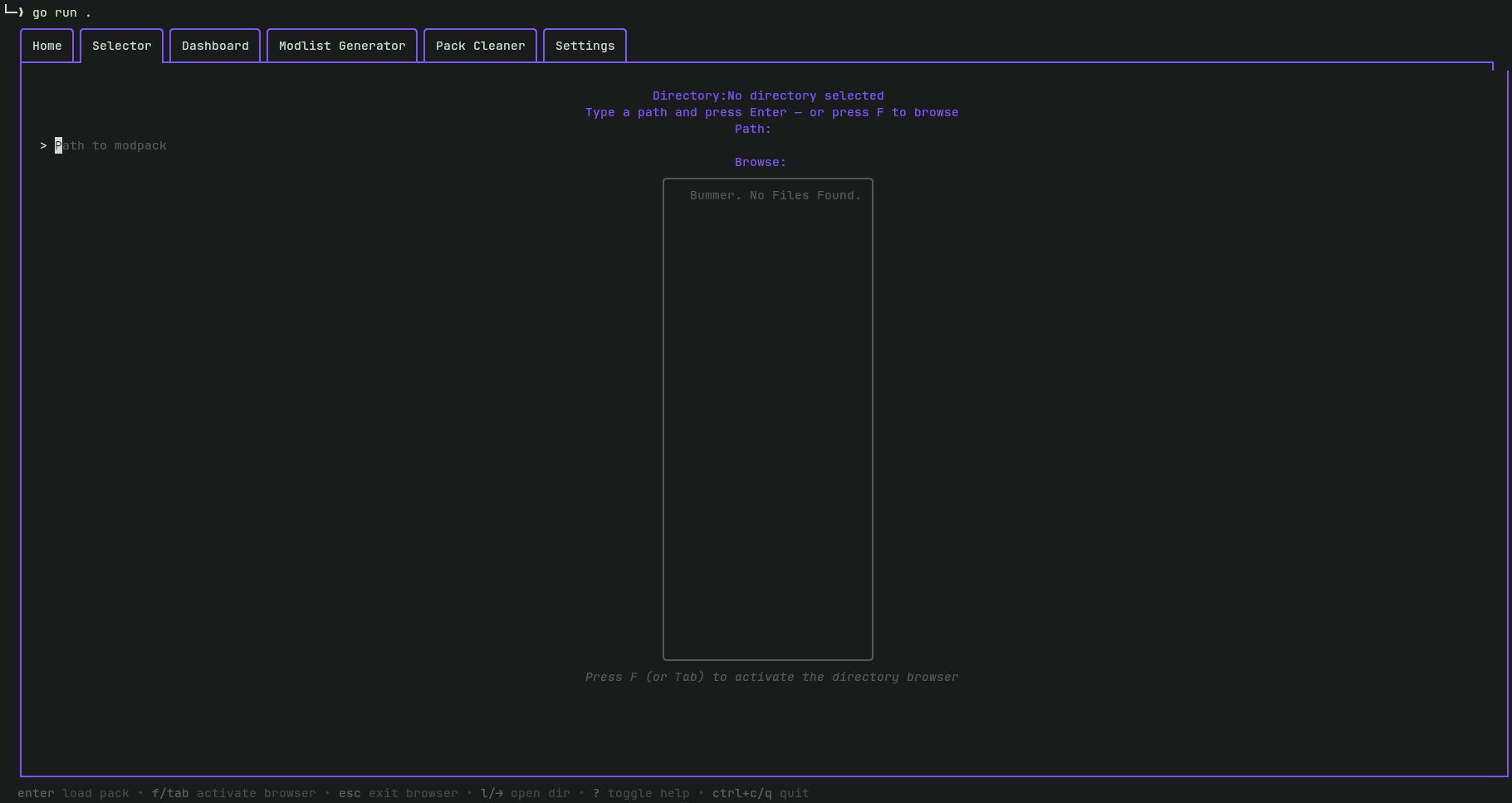
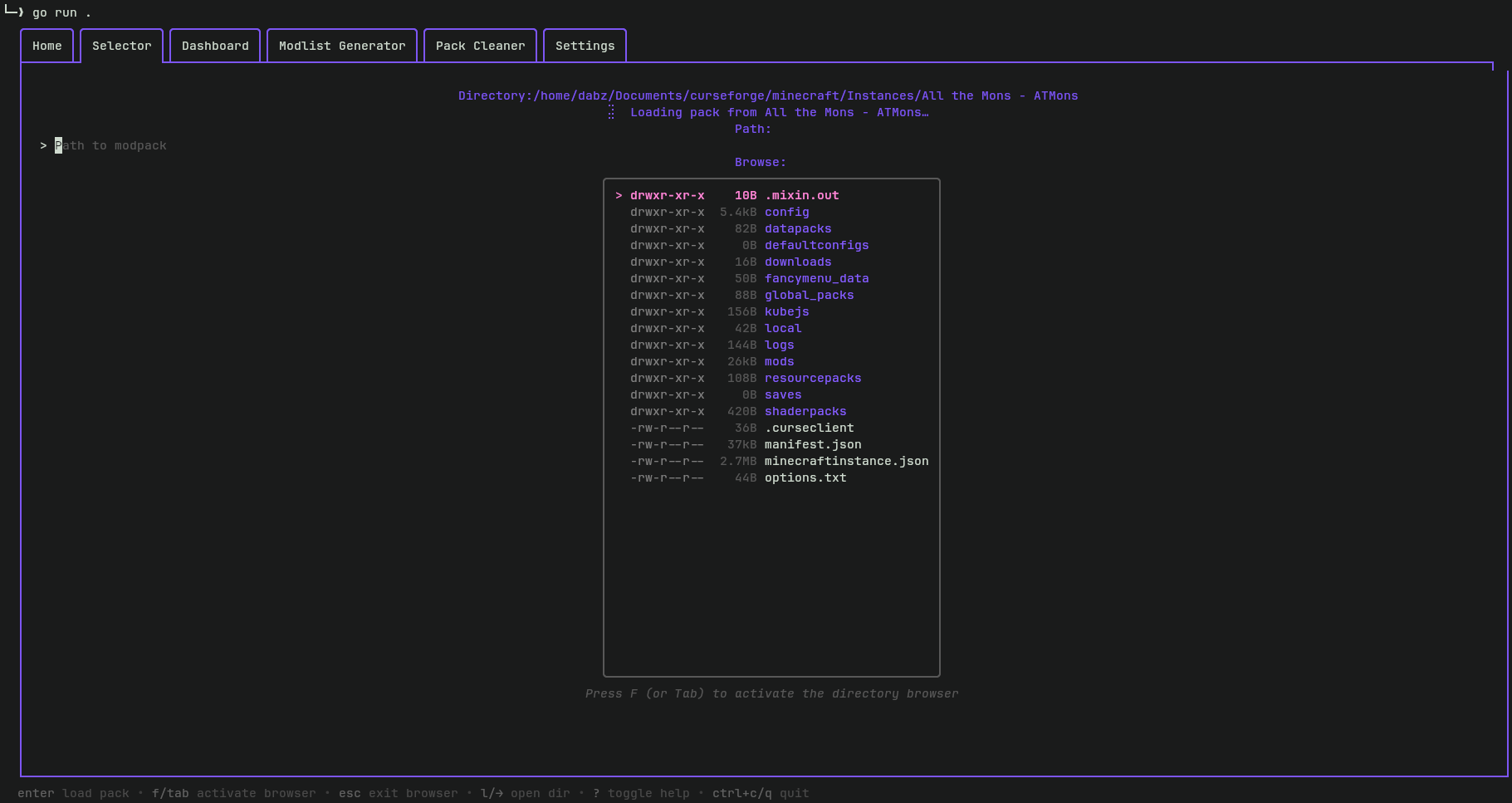 Instance discovery and directory browsing.
Dashboard
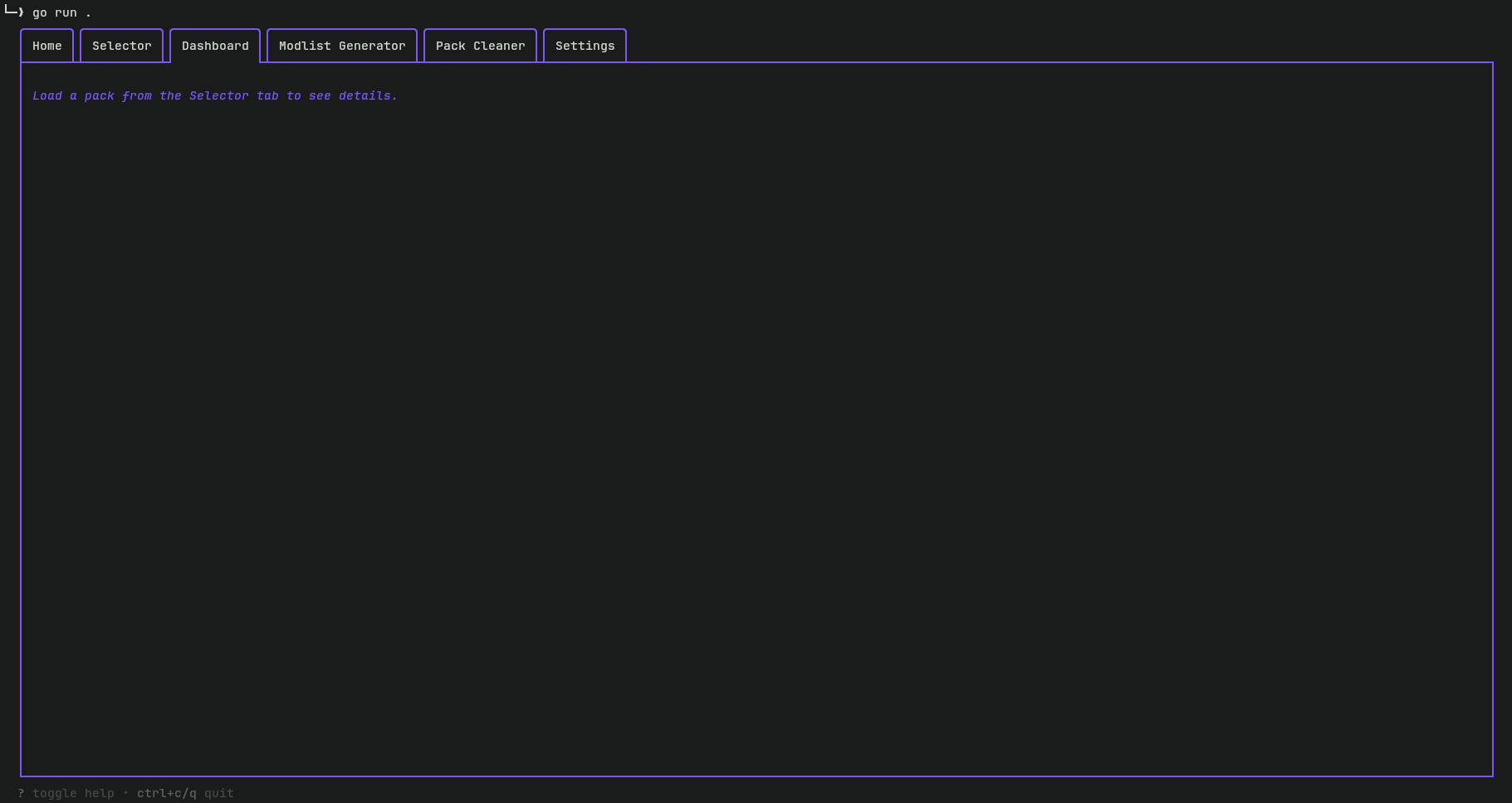
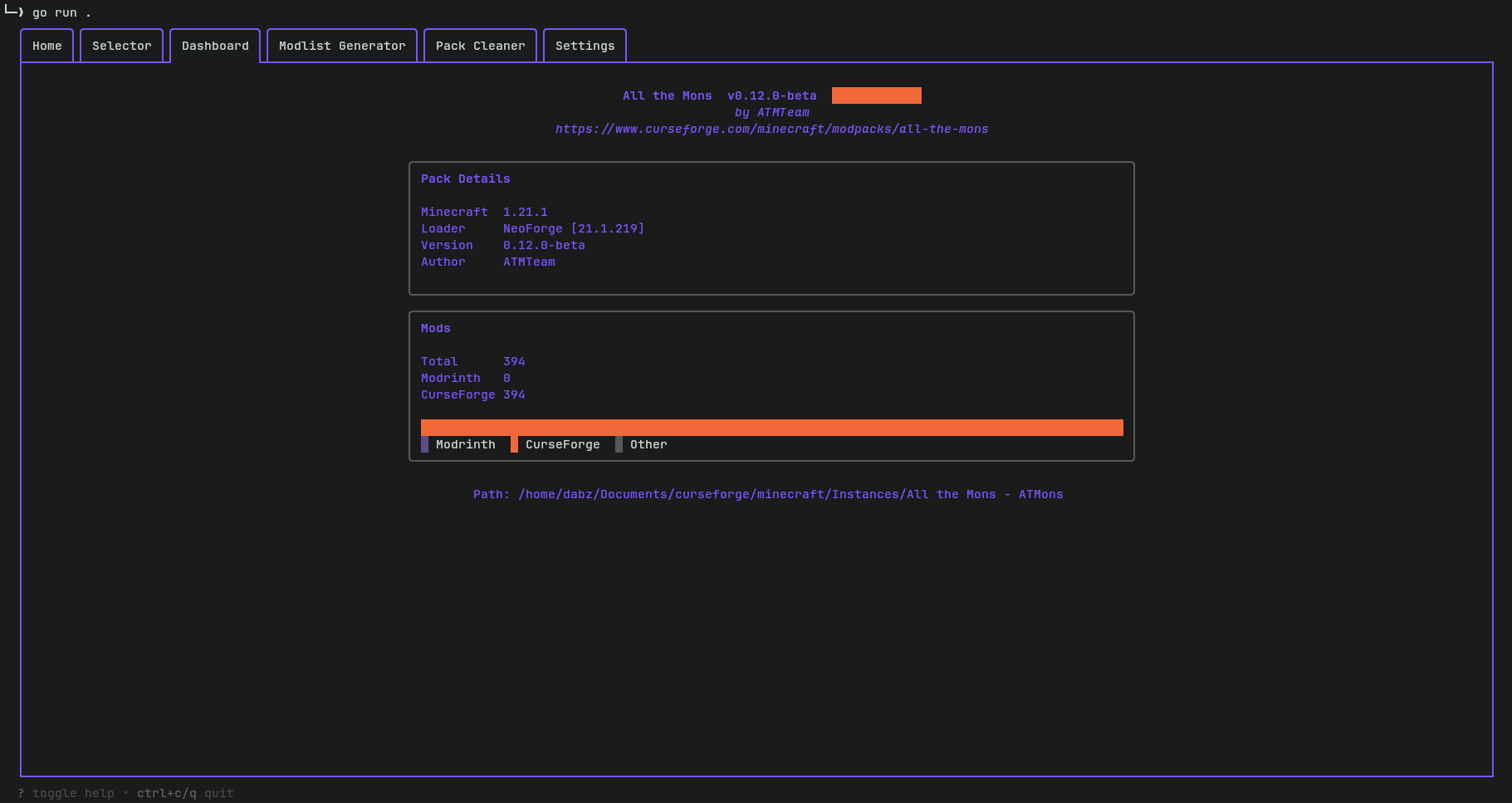
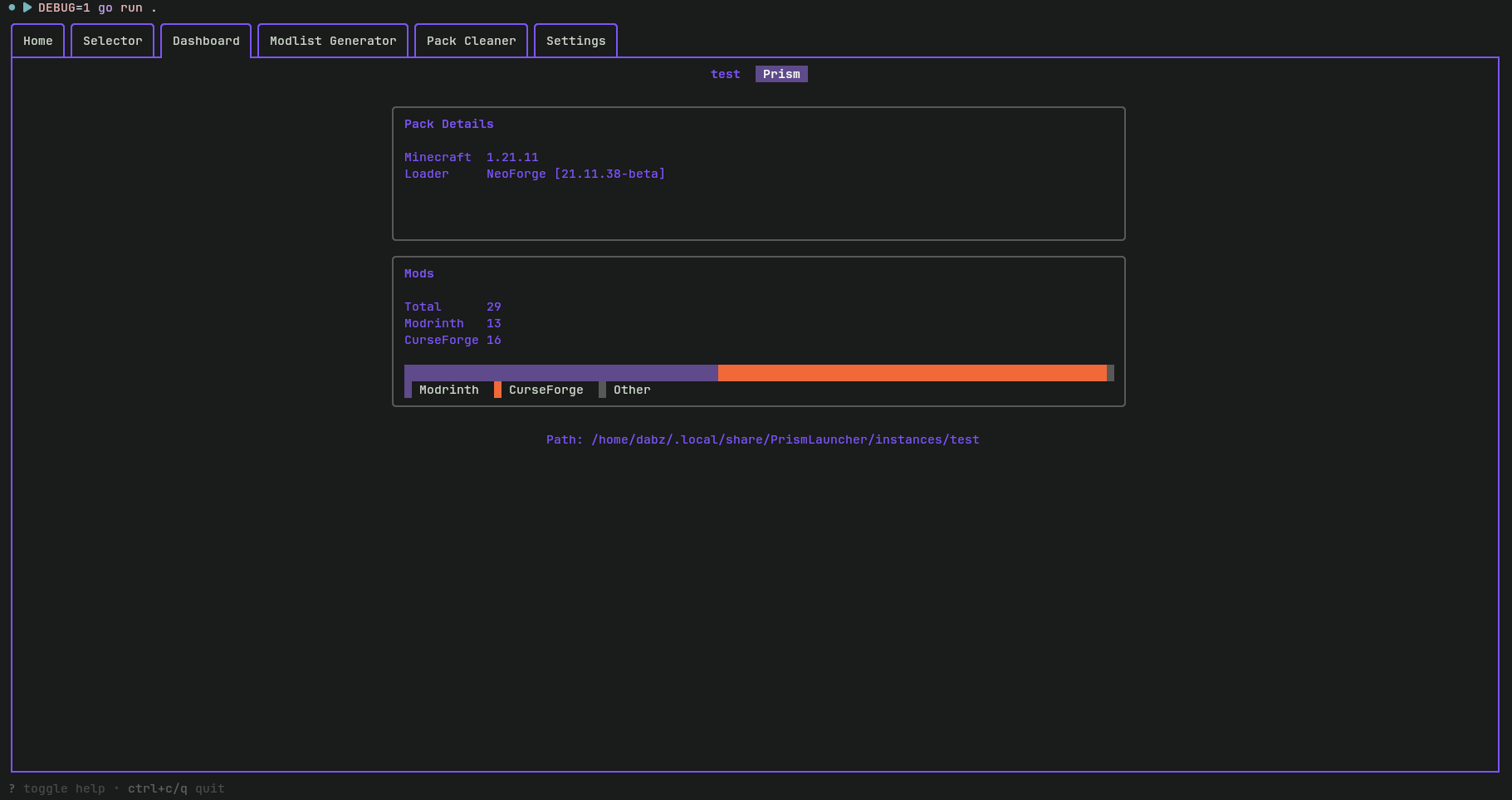 Pack metadata and mod distribution analytics.
Modlist Generator
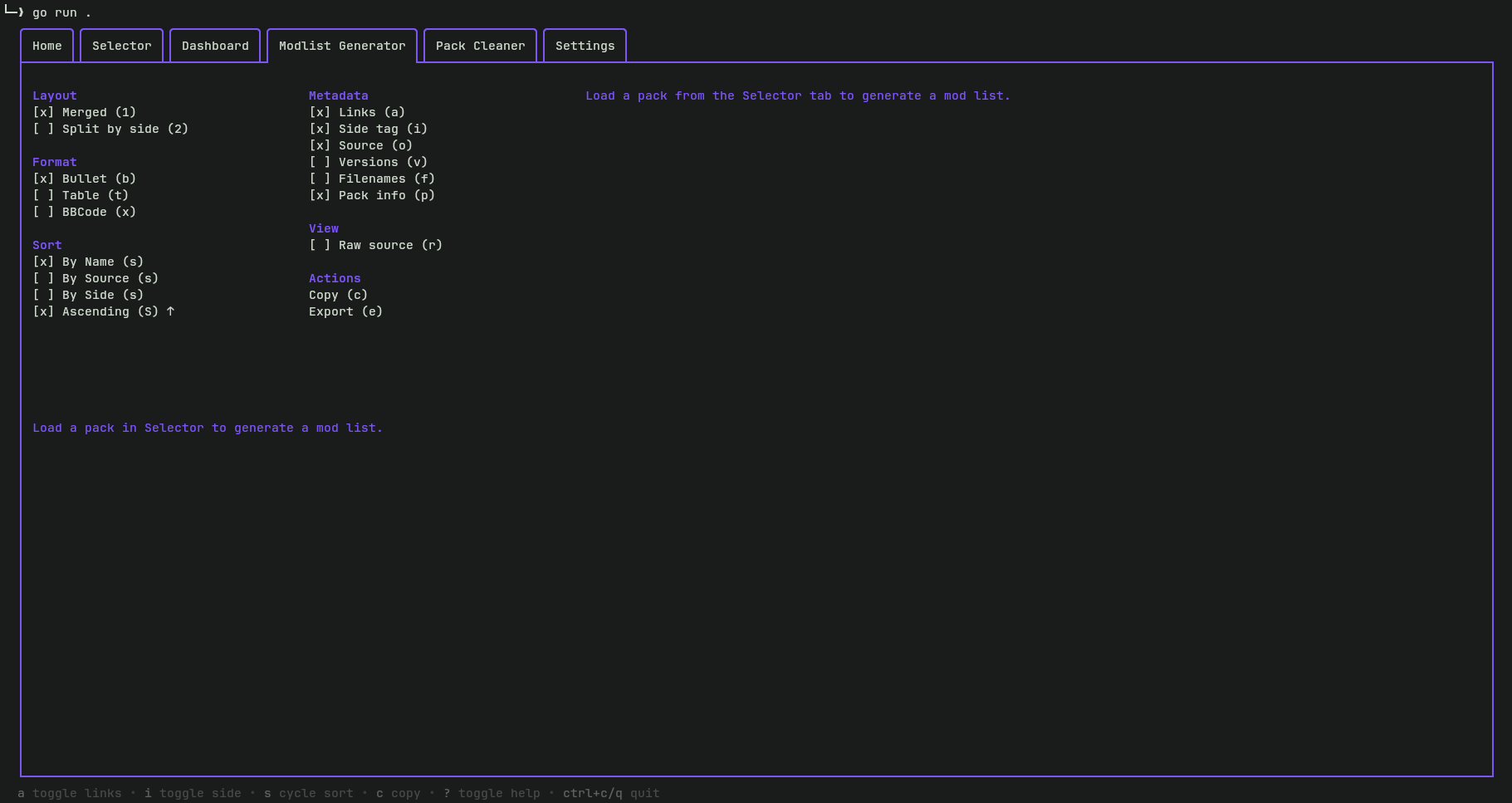
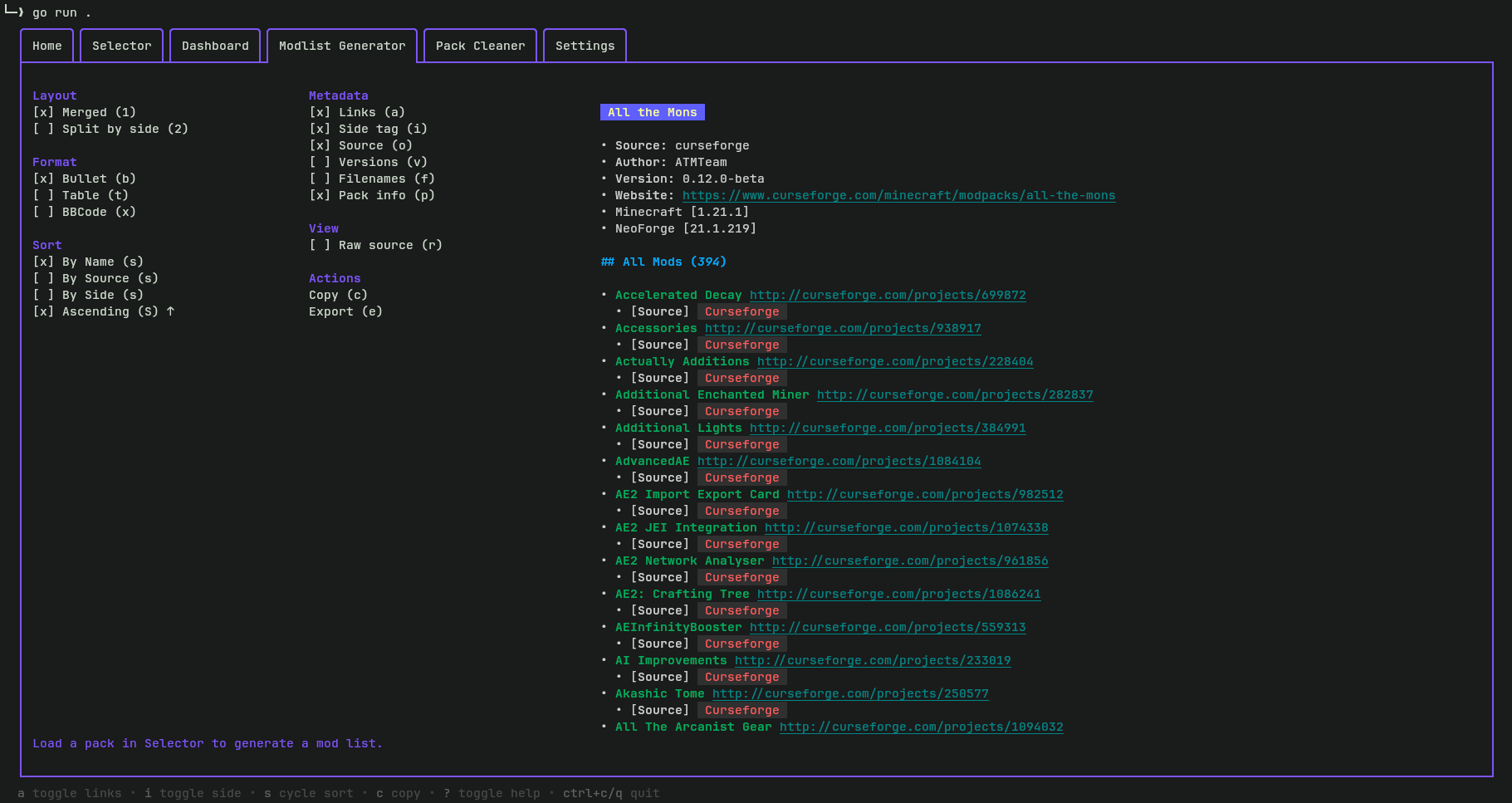 Dynamic preview and configuration for documentation.
Pack Cleaner
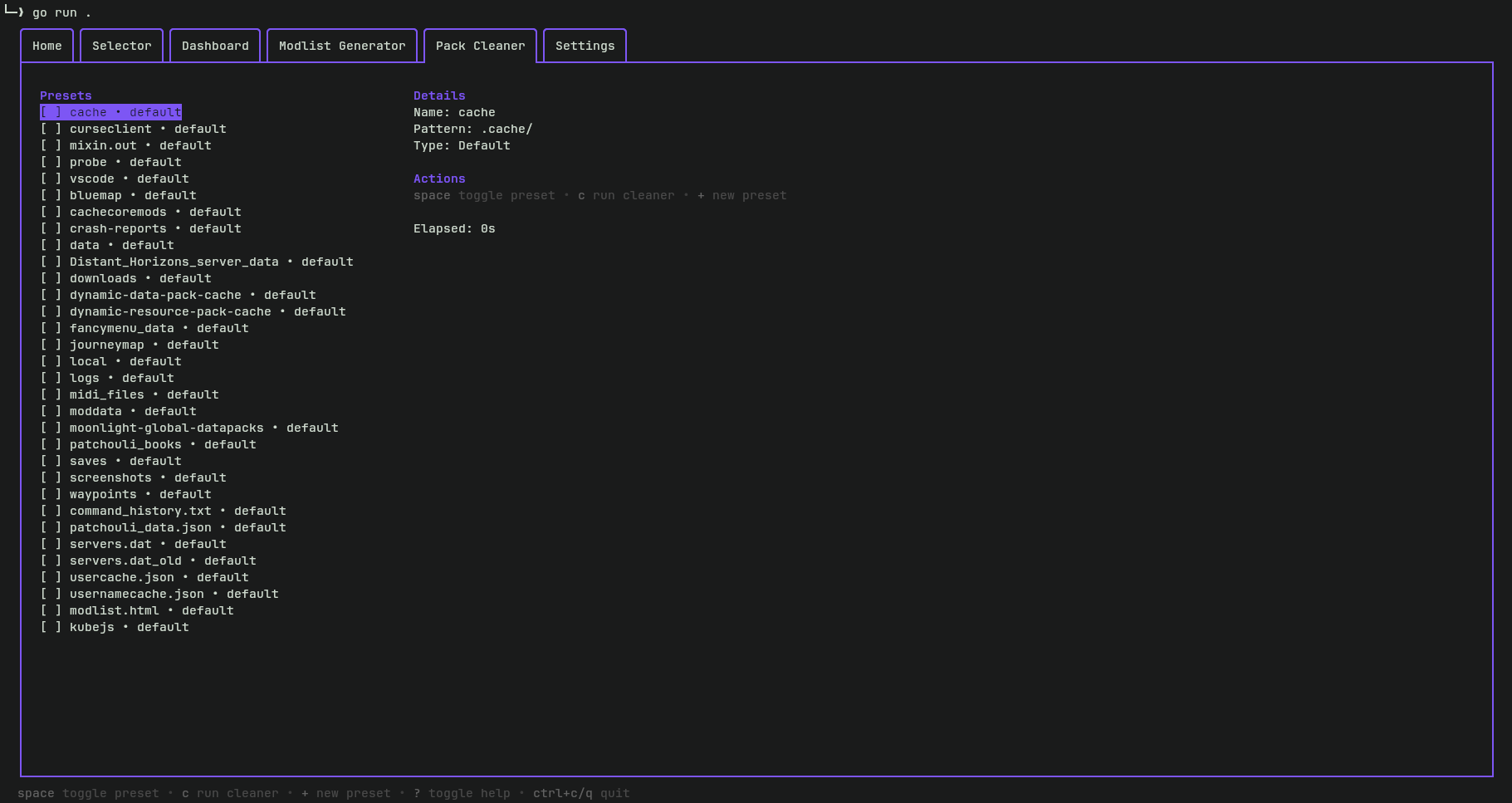 Managing custom cleaning presets and execution.
Installation
From Source
Ensure you have Go 1.21+ installed.
go install github.com/ItzDabbzz/GoMCTools@latest
Or manually:
git clone https://github.com/ItzDabbzz/GoMCTools.git && cd GoMCTools
go build -o gomctools .
./gomctools
Usage
Global Controls
| Key | Action |
|---|---|
Tab / Shift+Tab | Next / Previous page |
? | Toggle help overlay |
q / Ctrl+C | Quit |
Selector Page
| Key | Context | Action |
|---|---|---|
Enter | Text input focused | Load pack from typed path |
F / Tab | Browser not focused | Activate the directory browser |
↑ / ↓ | Browser focused | Navigate files/directories |
l / → | Browser focused | Open / descend into directory |
Enter | Browser focused | Load the current directory as pack |
Esc | Browser focused | Exit browser, return arrow keys to tab-bar |
? | Anywhere | Toggle help overlay |
q / Ctrl+C | Anywhere | Quit |
Modlist Generator
| Key | Action |
|---|---|
1 | Switch to Merged layout |
2 | Switch to Split by Side layout |
a | Toggle Links (Modrinth/CurseForge/URL) |
i | Toggle Side tags (Client/Server) |
o | Toggle Source tags |
c | Copy Markdown to clipboard |
e | Export to modlist.md |
Supported Pack Formats
| Format | Detection File | Mod Metadata |
|---|---|---|
| Prism Launcher | mmc-pack.json | Full — name, side, loader, source, hashes |
| CurseForge (full) | minecraftinstance.json | Full — name, release type, game versions, download URL |
| CurseForge (export) | manifest.json | Partial — project/file IDs only, no mod names |
CurseForge's
manifest.json-only mode is a fallback for exported zips that haven't been opened in the CurseForge app. Mod names will display asProject <ID>until a full instance file is available.
Configuration
GoMCTools manages persistent settings via a TOML configuration file.
Manual edits to config.toml should only be made while the application is closed. The program persists its current internal state to disk upon exit, which will overwrite any changes made while the app is running.
Location: ~/.config/gomctools/config.toml
Config Breakdown
Global Settings
| Key | Type | Default | Description |
|---|---|---|---|
auto_load_previous_state | bool | true | Automatically reloads the last used pack on startup. |
[selector]
| Key | Type | Description |
|---|---|---|
last_path | string | The absolute path to the last loaded Minecraft instance. |
[modlist]
| Key | Type | Default | Description |
|---|---|---|---|
mode | int | 0 | 0: Merged, 1: Split (Client/Server). |
output_format | int | 0 | 0: Markdown Bullets, 1: GFM Table, 2: BBCode. |
sort_field | int | 0 | 0: Name, 1: Source, 2: Side. |
sort_asc | bool | true | true: Ascending, false: Descending. |
attach_links | bool | true | Include Modrinth/CurseForge links. |
include_side | bool | true | Include Client/Server tags. |
include_source | bool | true | Include the mod's source platform. |
include_versions | bool | false | Include compatible MC versions. |
include_filenames | bool | false | Include actual .jar filenames. |
show_project_meta | bool | false | Prepend pack name/author/version header. |
raw_preview | bool | false | Show raw source instead of rendered preview. |
[cleaner]
The cleaner section allows you to define global custom presets.
Example:
[[cleaner.custom_presets]]
name = "BlueMap Web Folders"
pattern = "config/bluemap/web"
enabled = true
Credits & Libraries
Built with the Charm stack:
- Bubble Tea - A powerful little TUI framework 🏗
- Bubbles - TUI Components for Bubble Tea 🫧
- Lipgloss - Style definitions for nice terminal layouts 👄
- Glamour - Stylesheet-based markdown rendering for your CLI apps 💇🏻♀️
- Bubblezone - BubbleTea mouse event tracking utility

Created by ItzDabbzz (First go project, kinda nevrous 👉👈)
Also made on
